Set Up Your Home Office so Technology Supports Your Body

Set Up Your Home Office so Technology Supports Your Body
A productive home office isn’t just about fast Wi-Fi and the latest laptop. It’s also about how your technology setup works with your body. Many Americans spend hours each day in front of screens, and small adjustments to your equipment and workspace can make a big difference for your comfort, focus, and long-term health. Here’s how to set up your home office so your technology supports your body—not the other way around.
Start with the Basics: Your Posture
Good posture is the foundation of a healthy home office. Your technology should adapt to you, not the other way around.
- Monitor height: The top of your screen should be at or slightly below eye level to prevent neck strain. Use a monitor stand or even a few sturdy books to raise it if needed.
- Keyboard and mouse: Keep them at a height where your elbows are bent at about 90 degrees and your shoulders stay relaxed.
- Chair: Choose one that supports your lower back and allows you to adjust the height and tilt. If you’re using a dining chair, add a small cushion or lumbar pillow for extra support.
Consider investing in a sit-stand desk or a desk converter so you can alternate between sitting and standing throughout the day. Movement helps circulation and reduces tension in your back and shoulders.
Screen, Light, and Vision: Prevent Eye Strain
Digital screens can be tough on your eyes, especially during long workdays. A few simple changes can help reduce fatigue.
- Make sure you have good lighting, ideally natural light from the side to avoid glare.
- Adjust your screen brightness and contrast to match your surroundings.
- Use blue light filters or “night mode” settings in the evening to reduce harsh light exposure.
- Follow the 20-20-20 rule: every 20 minutes, look at something 20 feet away for 20 seconds to give your eyes a break.
If you work primarily on a laptop, consider adding an external monitor, keyboard, and mouse. This setup allows for a more natural posture and less strain on your neck and wrists.
Let Technology Help You Move
Technology can actually encourage movement—if you use it wisely.
- Smartwatches and fitness apps can remind you to stand, stretch, or take a short walk.
- Electric sit-stand desks can be programmed to change height at intervals.
- Wireless headsets let you move around during calls or even take a “walk and talk” meeting.
The goal isn’t to stand all day but to create variety. Your body thrives on movement and small changes in position.
Create a Calm, Focused Environment
A healthy home office isn’t just ergonomic—it’s also a space where you can concentrate. Technology can both help and distract.
- Use noise-canceling headphones if your home is noisy.
- Turn off notifications on your phone and computer during focus periods.
- Try smart lighting or apps that adjust brightness and color temperature throughout the day to support your natural rhythm.
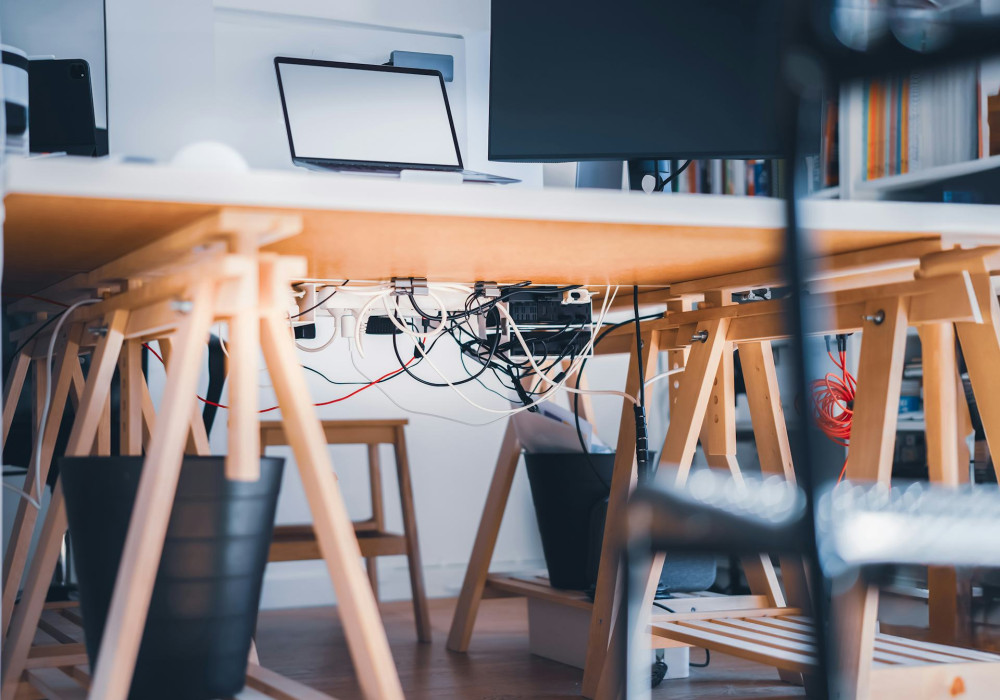
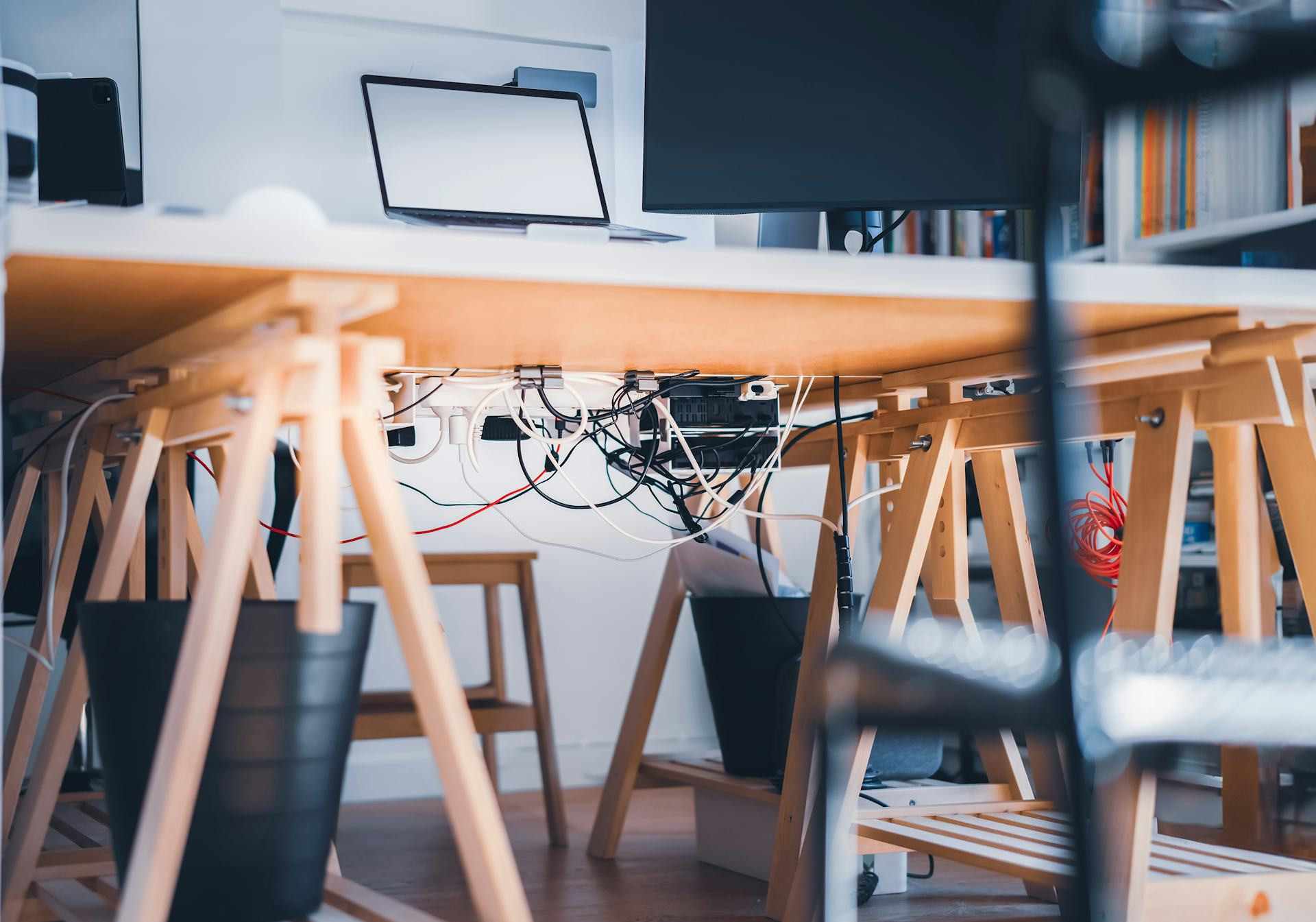
A tidy desk and a reliable internet connection also contribute to a calmer, more productive workspace. The fewer distractions, the easier it is to stay focused.
Læs også:

Make Technology Work for You
Technology should make your work easier, not add stress. Choose tools that fit your needs and use them intentionally.
- Invest in quality equipment that’s comfortable and durable.
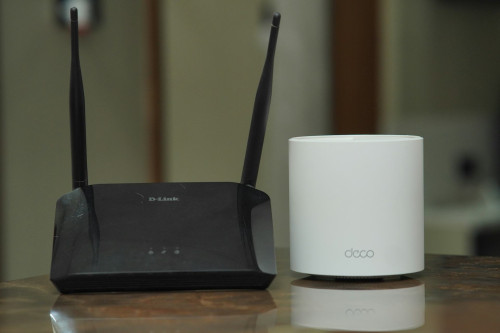
- Ensure you have reliable broadband to avoid frustrating interruptions during meetings.
- Use collaboration and productivity software that helps you stay organized and efficient—so you can work smarter, not longer.
When your technology runs smoothly, you can focus on your work and take better care of your body.
A Balanced Home Office
A great home office balances comfort, functionality, and movement. It’s not about buying the most expensive gear—it’s about creating a space where your body and technology work in harmony.
With a few thoughtful adjustments—a supportive chair, a properly positioned screen, a headset that lets you move—you can transform your workspace into one that supports both your productivity and your well-being. Your body will thank you, and your workday will feel lighter.
Læs også: