From Router to Response Time: How New Networking Gear Improves Your Gaming Experience

From Router to Response Time: How New Networking Gear Improves Your Gaming Experience
When you’re gaming online, victory isn’t just about skill or reflexes—it’s also about the quality of your connection. A fraction of a second can decide whether you win or lose, and that’s why your home network setup matters more than you might think. With the right router, cabling, and configuration, you can reduce lag, boost stability, and make your gameplay smoother than ever. Here’s how the latest networking technology can take your gaming experience to the next level.
Why Your Network Matters in Gaming
Every time you play online, your device constantly exchanges data with the game’s servers. If that connection is unstable or slowed by interference, you’ll experience lag—the dreaded delay between your input and the game’s response. Even a few milliseconds can make a noticeable difference, especially in fast-paced shooters, racing games, or competitive esports.
A great gaming network isn’t just about raw speed; it’s about low latency and consistent performance. That’s where modern routers, Wi-Fi 6 and 6E, and mesh systems come into play.
The Router: The Heart of Your Network
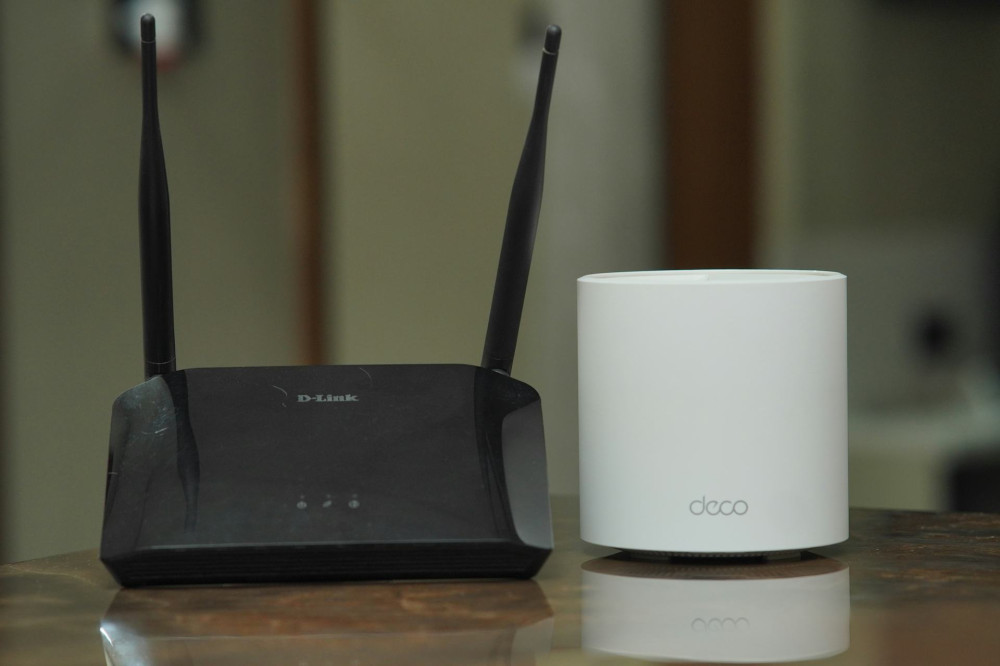
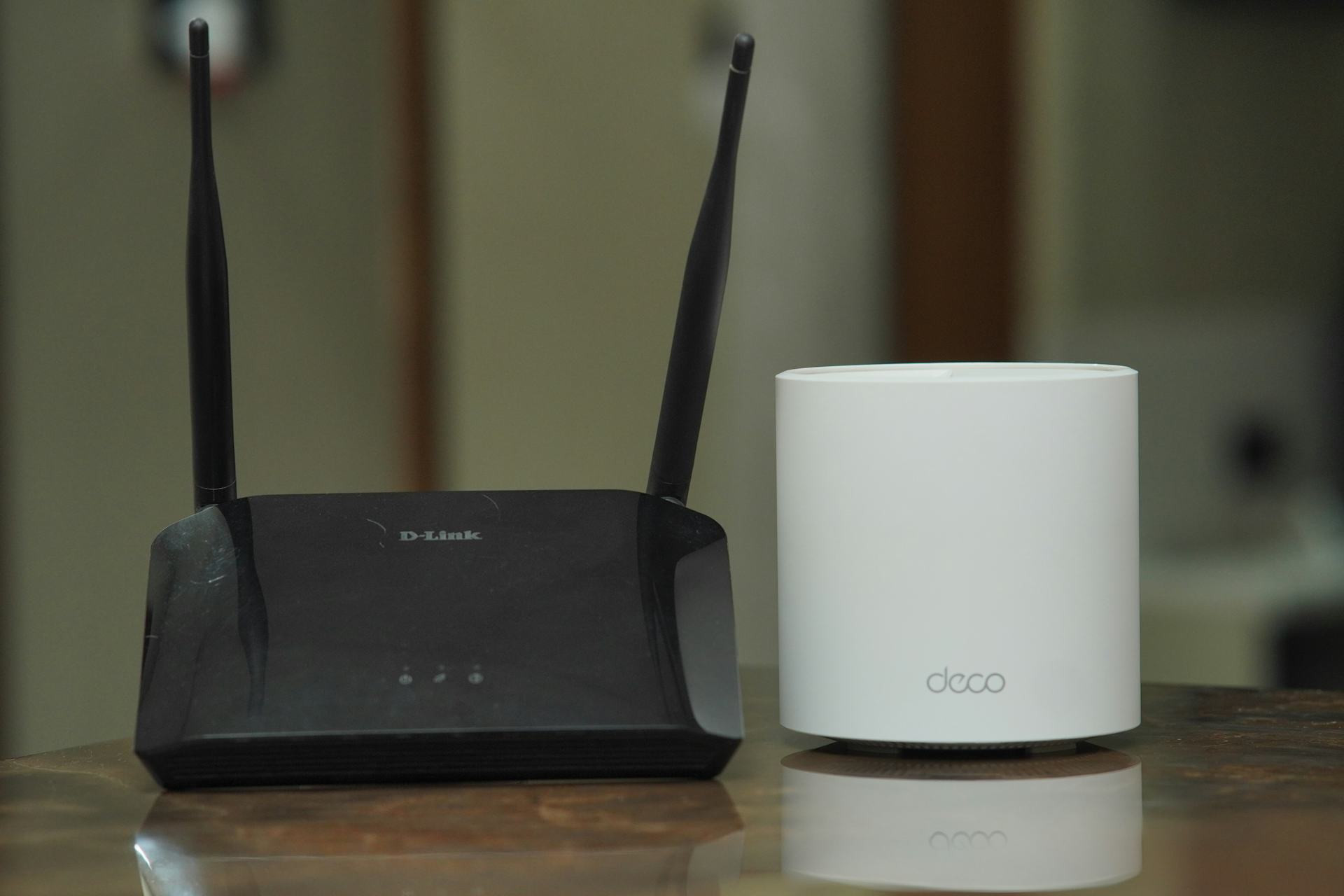
Your router is the command center of your home network. Even if you have a high-speed internet plan, an outdated router can bottleneck your performance. Newer models are built to handle multiple devices simultaneously and intelligently prioritize traffic.
- Gaming routers often include Quality of Service (QoS) features that automatically give gaming traffic priority over streaming or downloads.
- Wi-Fi 6 and Wi-Fi 6E deliver faster speeds, better range, and lower latency—especially when several devices are connected.
- Dual-band and tri-band routers can separate traffic so your gaming device gets its own dedicated channel, free from interference.
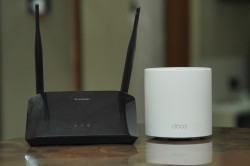
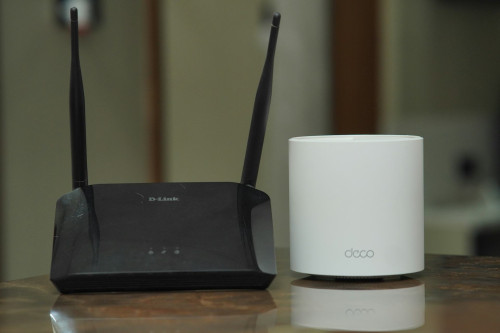
If you live in a larger home, a mesh network can be a game-changer. It uses multiple access points that work together to provide seamless coverage throughout your house—no more dead zones or dropped connections.
Wired or Wireless? Choosing the Right Connection
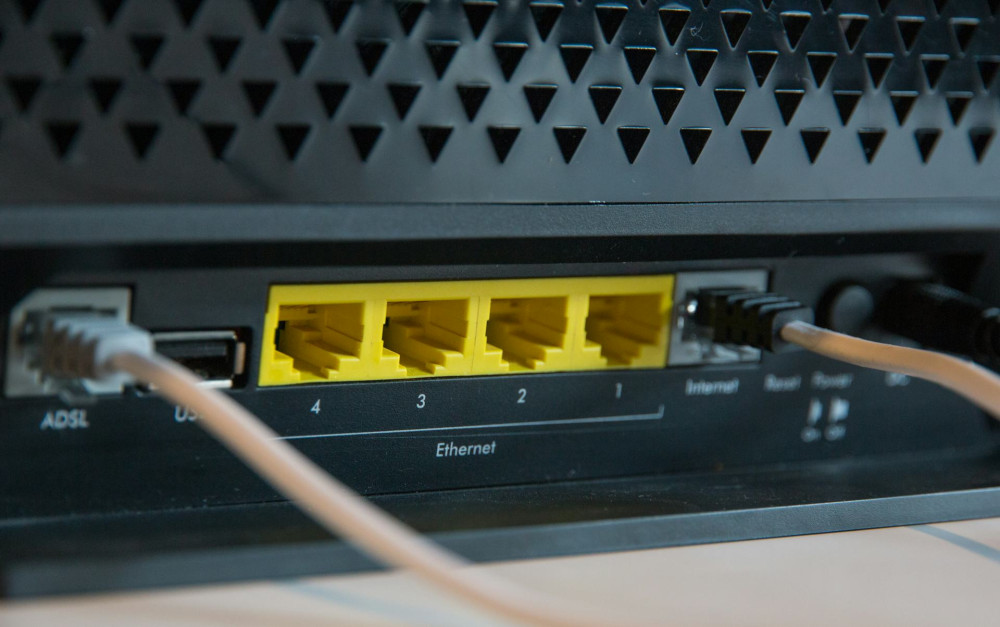
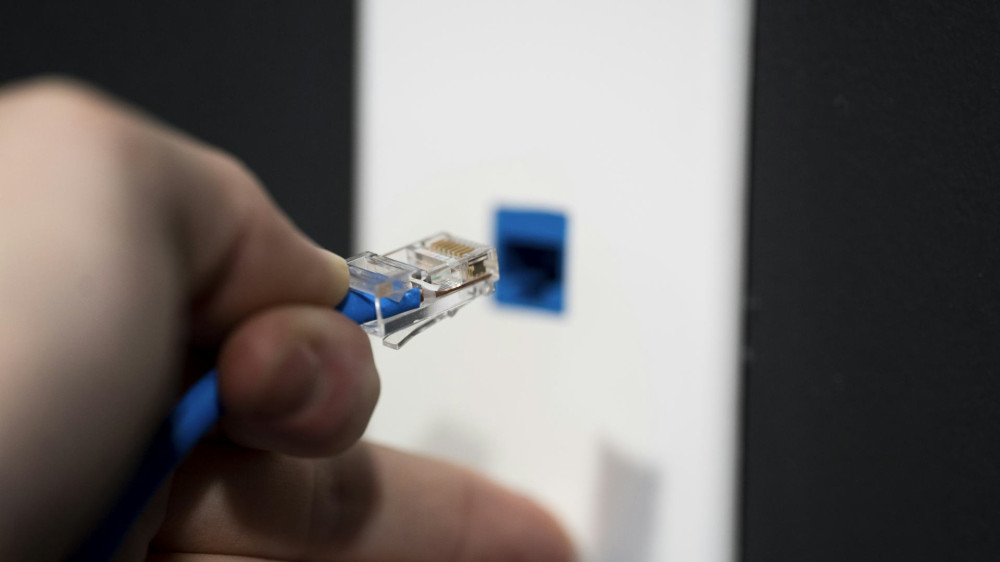
While wireless networks are convenient, a wired connection remains the gold standard for gaming stability. An Ethernet cable eliminates wireless interference and provides the lowest possible latency.
If running a cable isn’t practical, Powerline adapters can be a solid alternative. They transmit your network signal through your home’s electrical wiring, often providing a more stable connection than Wi-Fi—especially in older buildings with thick walls.
For wireless gamers, router placement is key. Keep it in a central, open location—away from walls, metal objects, and devices like microwaves or cordless phones that can disrupt the signal.
Optimizing Your Setup
Even the best hardware needs proper setup to perform at its peak. Here are a few simple steps that can make a big difference:
- Update your firmware – Keep your router and network adapters up to date. Manufacturers regularly release updates that improve performance and security.
- Assign static IP addresses to your gaming devices so your router always knows where to send priority traffic.
- Close unnecessary background apps that might be using bandwidth.
- Test your ping and jitter using online tools to see how stable your connection really is.
Small tweaks like these can lead to noticeable improvements—especially when combined with modern equipment.
The Future of Gaming Networks: Wi-Fi 7 and Beyond
Networking technology is evolving fast. The next generation, Wi-Fi 7, promises even higher speeds—up to 46 Gbps—and ultra-low latency that could make wireless gaming virtually indistinguishable from wired play.
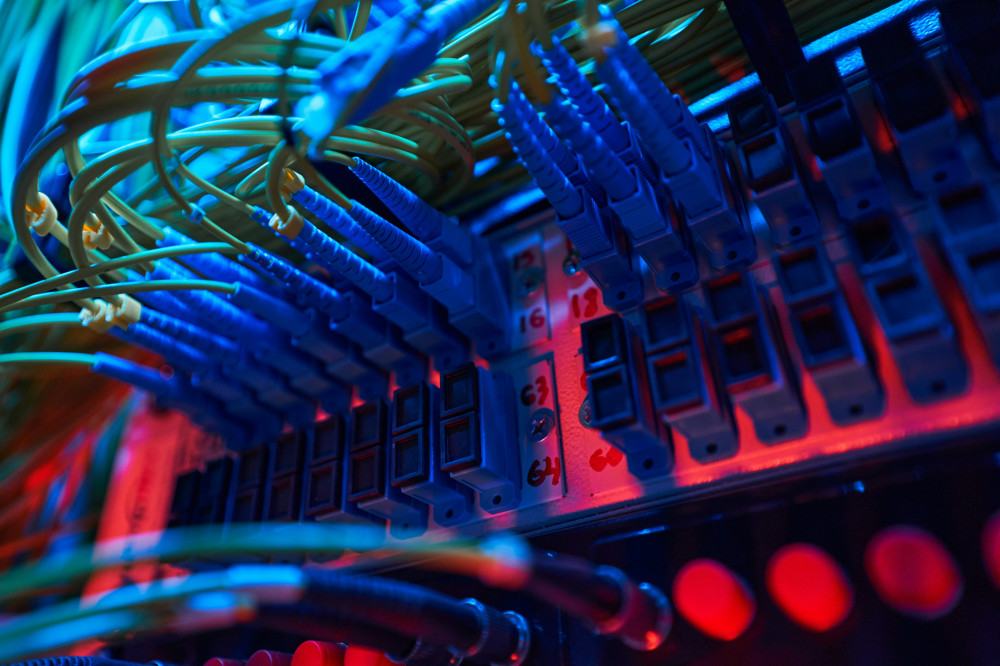
At the same time, many U.S. internet providers are expanding fiber-optic networks with symmetrical speeds, meaning your upload and download rates are equal. That’s a huge advantage for gamers who stream, host servers, or compete online.
Læs også:

An Investment in Your Experience
Upgrading your networking gear might seem like a technical detail, but for gamers, it’s an investment in performance and enjoyment. A stable, responsive connection means fewer frustrations, more precision, and a sense that your game reacts exactly when you do.
Whether you’re a casual player or a competitive pro, the right network setup can be the difference between keeping up—and getting left behind.
Læs også: