Boost Security: Set Up a Separate Home Network for Your Smart Devices

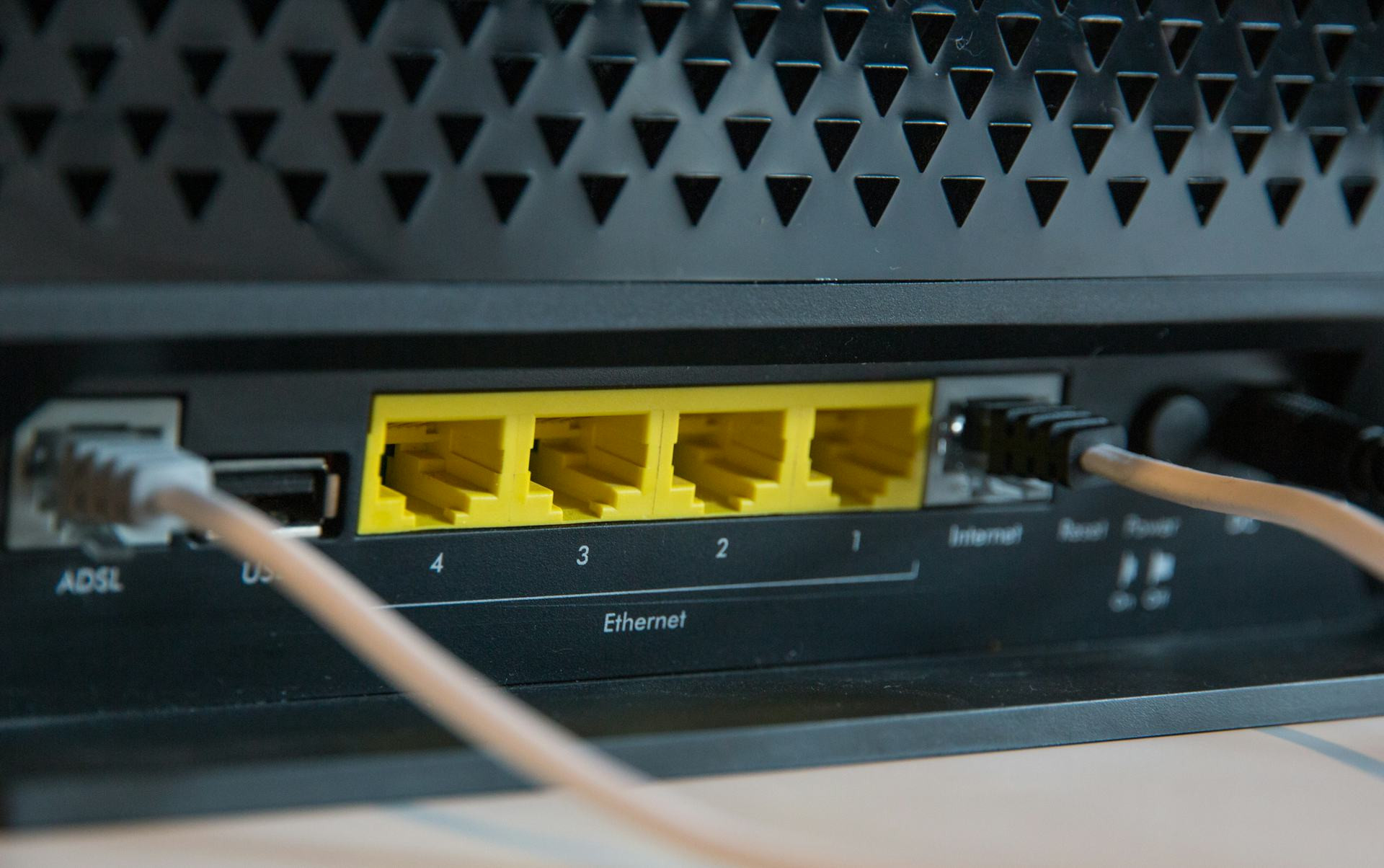
Boost Security: Set Up a Separate Home Network for Your Smart Devices
Smart devices are becoming a staple in American homes — from video doorbells and smart thermostats to connected light bulbs and voice assistants. They make life more convenient, but they can also open the door to digital risks. Many of these devices have limited protection against hacking, and if they’re connected to your main Wi-Fi, they could become a gateway to your personal data. The solution? Create a separate home network just for your smart devices.
Why a Separate Network Improves Security
When all your devices share the same Wi-Fi, they can communicate with each other. That means if a hacker gains access to one vulnerable device — say, a smart camera with a weak password — they could potentially reach your computer, smartphone, or even your online accounts.
A separate network acts like a digital firewall. It isolates your smart devices from your personal ones, such as laptops and phones. So even if one smart gadget is compromised, the rest of your network remains protected.
How to Set Up a Separate Network
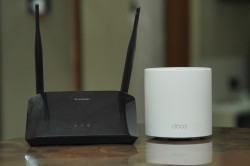
Most modern routers make it easy to create an additional network — often called a guest network. Setting it up usually takes just a few steps:
- Log in to your router’s admin page. You can usually do this by typing your router’s IP address (for example, 192.168.1.1) into your web browser.
- Find the “Guest Network” settings.
- Enable the guest network and give it a name (SSID). Choose a name that clearly distinguishes it from your main network, such as “Home-IoT.”
- Set a strong password. Use a unique, complex password that you don’t reuse elsewhere.
- Disable access to local network devices. Many routers have an option to prevent the guest network from communicating with your main network — make sure this is turned on.
Once the network is ready, connect all your smart devices to it. Keep your computers, tablets, and phones on your primary network.
Læs også:
Keep Track of Your Devices
You might be surprised by how many devices are connected to your Wi-Fi. Use your router’s device list to see what’s online and move any smart gadgets to the new network if they belong there. It’s also helpful to give each device a recognizable name — like “LivingRoom-Camera” or “Kitchen-Light” — so you can easily identify them later.
Don’t forget to regularly update the firmware on your smart devices. Manufacturers often release security updates that fix known vulnerabilities.
Add Extra Layers of Protection
Setting up a separate network is a strong first step, but you can go further to secure your home:
- Change default passwords on all devices. Many smart products come with factory-set credentials that hackers already know.
- Turn off remote access if you don’t need it. This reduces the chance of someone logging in from outside your home.
- Use two-factor authentication whenever it’s available.
- Keep your router’s firmware up to date. It’s the heart of your home network and deserves the same attention as your computer’s software.
A Small Step for Big Peace of Mind
Creating a separate network takes only a few minutes, but it can save you from major headaches down the road. You’ll gain better control over your Wi-Fi and reduce the risk of your personal data being exposed.
Smart devices make life easier — but they don’t need access to everything. With a separate network, you can enjoy the convenience of a connected home without compromising your security.
Læs også: