Create Your Own Gaming Setup – Functional, Comfortable, and Personal

Create Your Own Gaming Setup – Functional, Comfortable, and Personal
A great gaming setup isn’t just about having the latest PC or console – it’s about creating a space where you can immerse yourself, relax, and enjoy your games on your own terms. Whether you have an entire room or just a corner of your living space, a bit of planning and creativity can help you design a gaming area that’s functional, comfortable, and uniquely yours.
Start with the Basics – Space, Lighting, and Power
Before you start buying gear, think about the physical setup. How much space do you have, and how can you make the most of it?
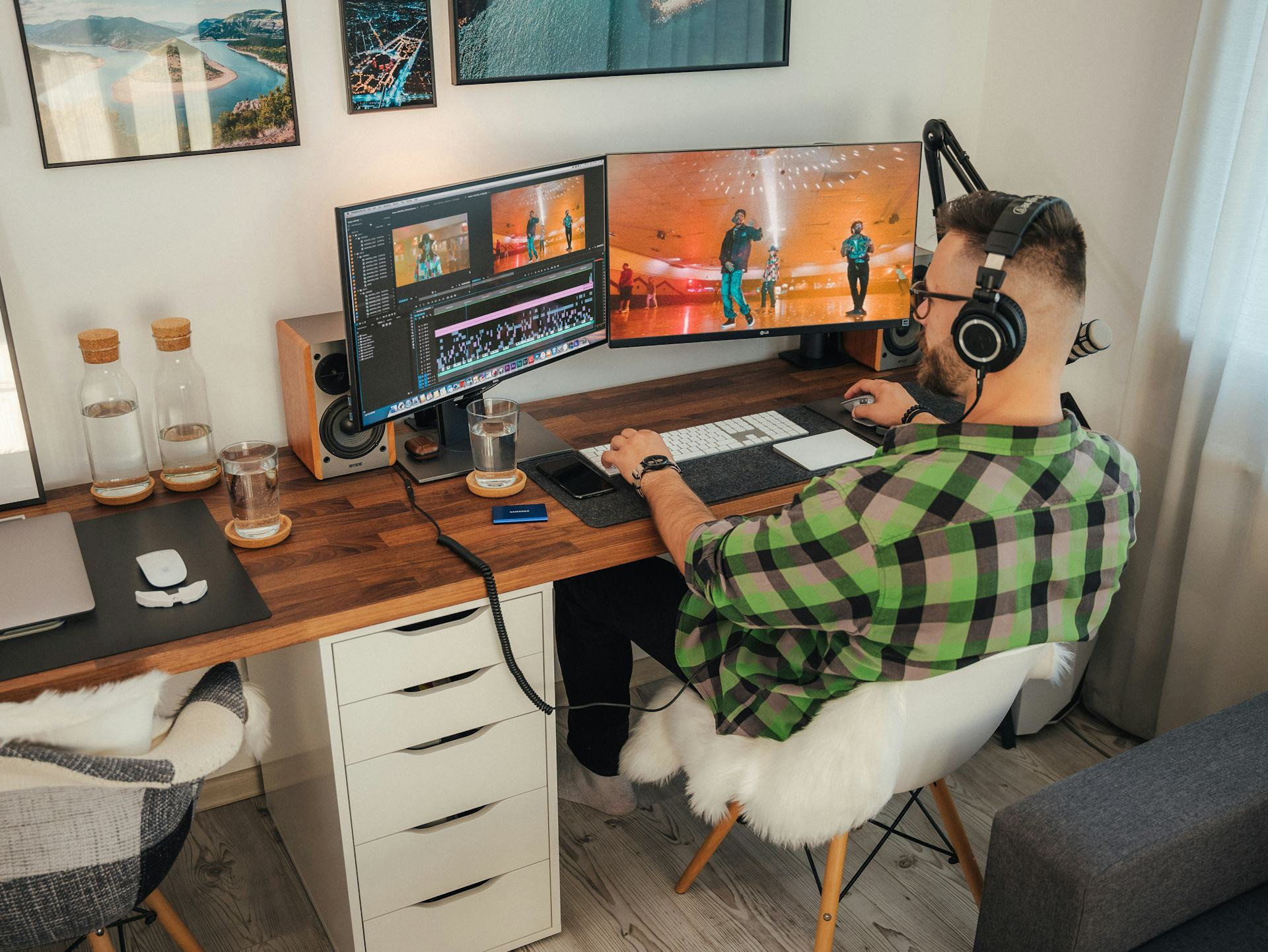
- Space: Make sure you have enough desk room for your monitor, keyboard, mouse, and any consoles or accessories. If you play on multiple platforms, consider an L-shaped or adjustable-height desk for flexibility.
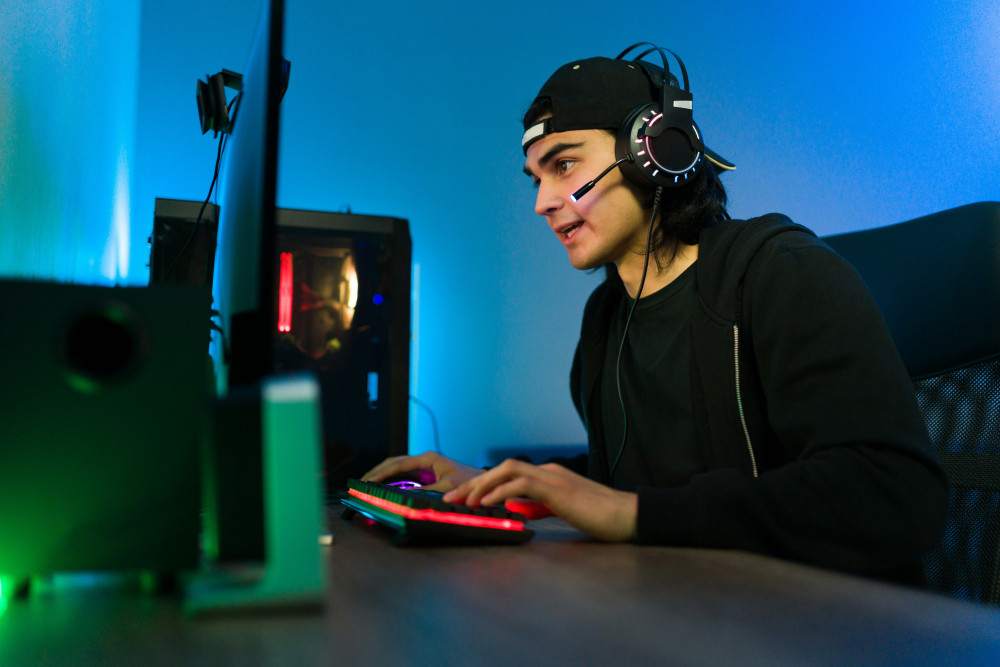
- Lighting: Avoid direct sunlight on your screen to reduce glare. Combine natural light with adjustable LED lighting so you can set the mood for different games or times of day.
- Power and Cables: Gaming setups often require multiple outlets. Use a surge-protected power strip and manage your cables with clips or trays to keep things tidy and safe.
Comfort Is Key for Long Gaming Sessions
If you spend hours in front of a screen, ergonomics matter. The right chair and desk setup can make a huge difference in comfort and focus.
- Chair Choice: A gaming chair can offer great support for your back and neck, but a high-quality office chair can be just as good – and may blend better with your home décor.
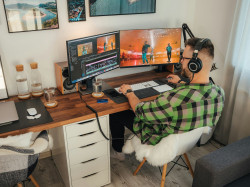
- Monitor Height and Distance: Your monitor should be at eye level, and your arms should rest comfortably at a 90-degree angle. This helps prevent strain during long sessions.
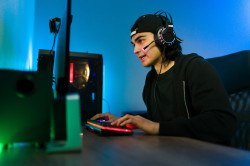
- Sound: A good headset or speaker setup can elevate your experience. Consider the acoustics of your room – rugs, curtains, or wall panels can help reduce echo and improve sound quality.
Make It Personal – Your Space, Your Style
Your gaming setup should reflect your personality and interests. This is where you can really make the space your own.
- Lighting: LED strips behind your monitor or under your desk can create atmosphere. Choose colors that match your mood or the theme of your favorite games.
- Decor: Posters, collectibles, or figures from your favorite franchises can add character and make the space feel inspiring.
- Plants and Textiles: A small plant or a cozy rug can soften the look and make your setup more inviting – even for guests who don’t game.
Organization and Storage
A clean, organized setup helps you stay focused. Use shelves, drawers, or small bins to keep controllers, cables, and accessories in order. If you have multiple devices, label your cables so you always know what’s connected where.
You might also set up a small charging station for wireless controllers and headsets – that way, everything’s ready to go when you sit down to play.
Balance Gaming and Everyday Life
Your gaming area should be a retreat, but it shouldn’t take over your home. Create a way to “shut down” the space when you’re not playing – turn off the lights, tidy up the desk, or use a curtain or divider to separate it visually. This helps maintain a healthy balance between gaming and other activities.
If you share your home, be mindful of noise and placement so your gaming doesn’t disturb others. A good pair of noise-canceling headphones can be a simple solution.
Læs også:

A Setup That Grows with You
A gaming setup is rarely finished – it evolves as your interests and needs change. You might start with a simple arrangement and upgrade over time as you learn what works best for you. The most important thing is to create a space where you feel comfortable and inspired.
Whether you play to compete, explore, or unwind, a well-thought-out gaming setup can make your experience even better – and give you a personal space that truly feels like your own.
Læs også: